AI Tools
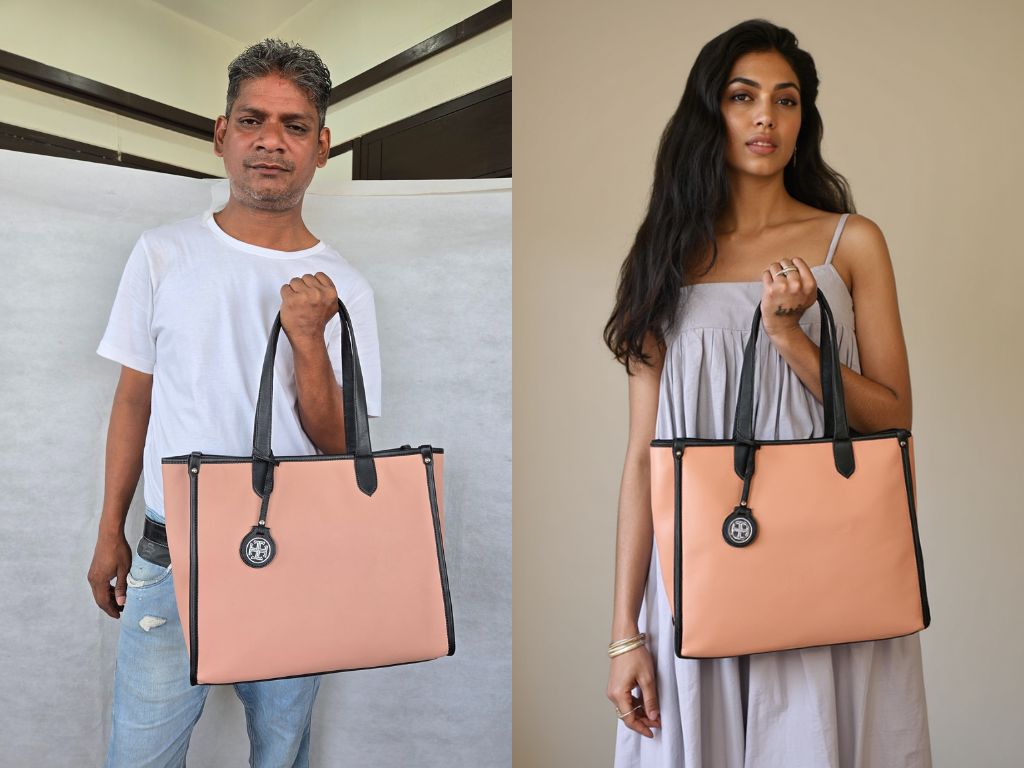
Transform ordinary photos into professional studio-quality imagery.
Key Features:
- AI-powered professional relighting and studio backgrounds
- Photoshop-style masking and editing tools
- Aspect ratio reframing and photo resizing
- Short video creation (up to 10 seconds) from static images
- "Continue from here" iterative refinement workflow
How to use:
Upload your image here to analyze and start. You can relight it entirely or edit its parts and then relight the edited image. Reframe aspect ratio or make up to 10-second videos from an image.
Great for:
For professional grade product photography, model swaps. Jewellery, bags, furniture, bottles and more.
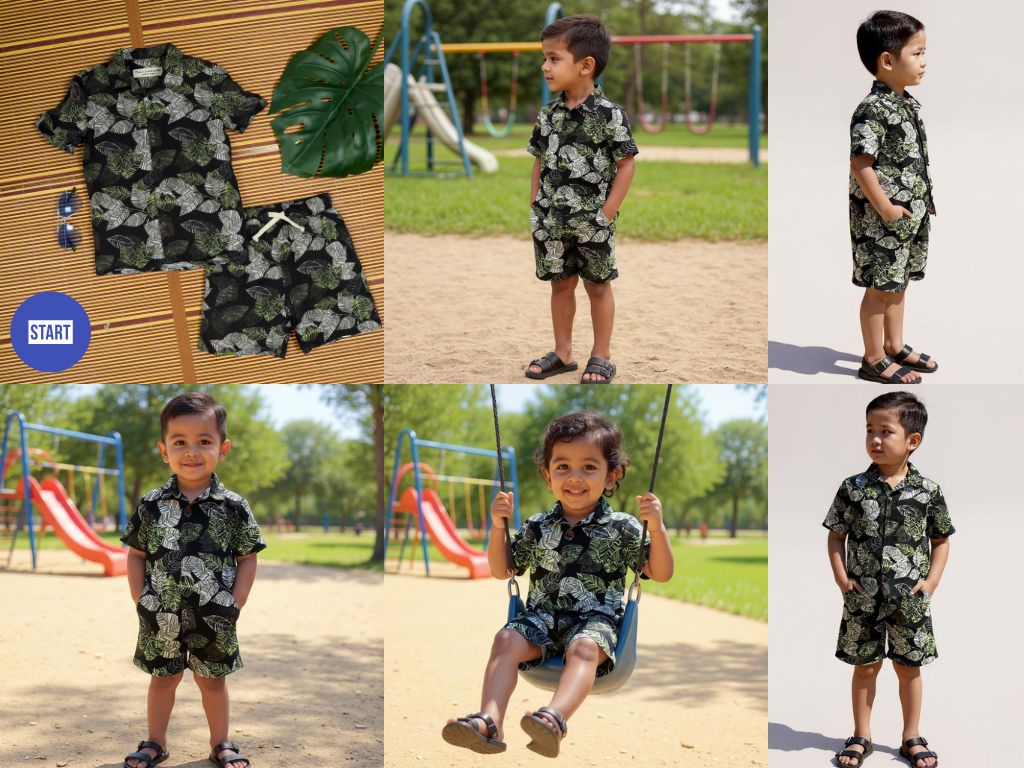
Generate professional product photography through AI conversation.
Key Features:
- Multi-image upload support (1-4 images, first becomes primary reference)
- Intelligent product recreation with automatic background mode fallback
- Logo and artwork placement capabilities
- Optimized for both individual items and garments
How to use:
Upload between 1-4 images of your product here to analyze and start. For items, 1 image of the product in a hand or body part is a great way to give the AI size reference. For garments, a flat lay works great. If the system misunderstands the product or any elements like a collar or sleeve type, just tell the AI the missing element to fix in image generation. Great also for placing logos and artworks onto products like T-shirts etc.
Great for:
Social media and ecommerce photography. Excels at garment photography and model shots from flat lays, table shots of your product, logo placement on products.
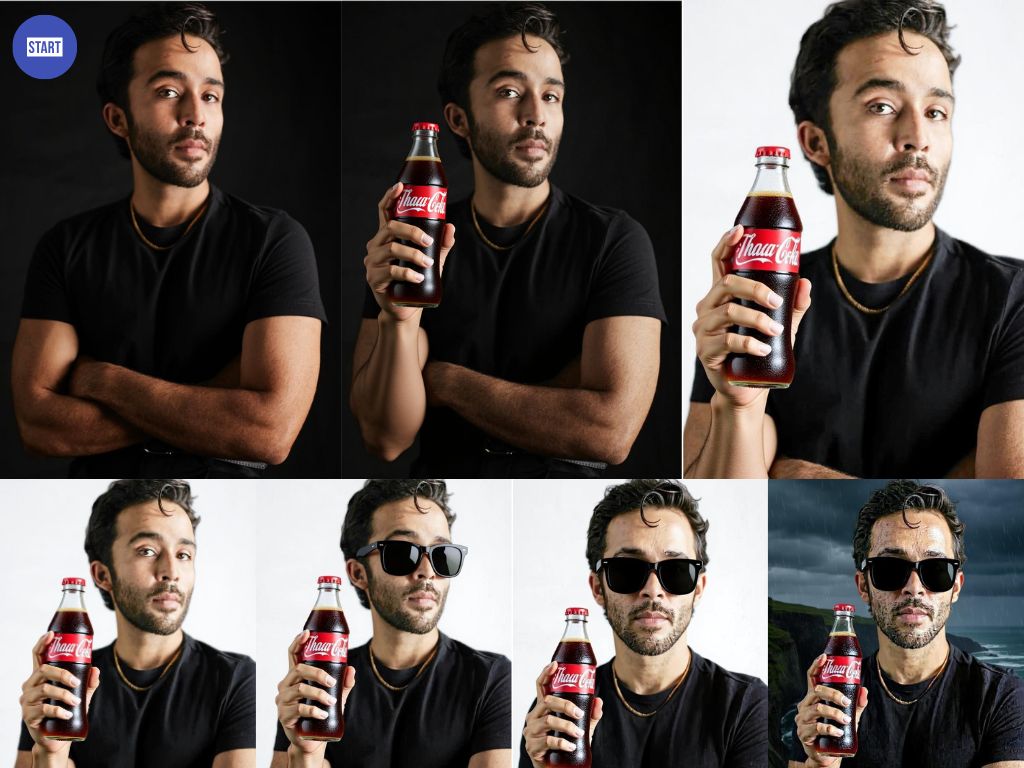
Transform any uploaded image through conversational AI editing.
Key Features:
- Intelligent outpainting, pose changes, clothing swaps, setting changes and more!
- Background replacement and lighting changes possible
- Session-based workflow with downloadable ZIP exports
- Privacy-focused face modification to prevent misuse
How to use:
Upload your image and chat about desired edits. Select your preferred aspect ratio for output. You can select any of the created images to continue from that specific image. A download all button gives you a zip file with all images created in this session.
Great for:
Marketing materials, Product imagery and layouts, Social media imagery.
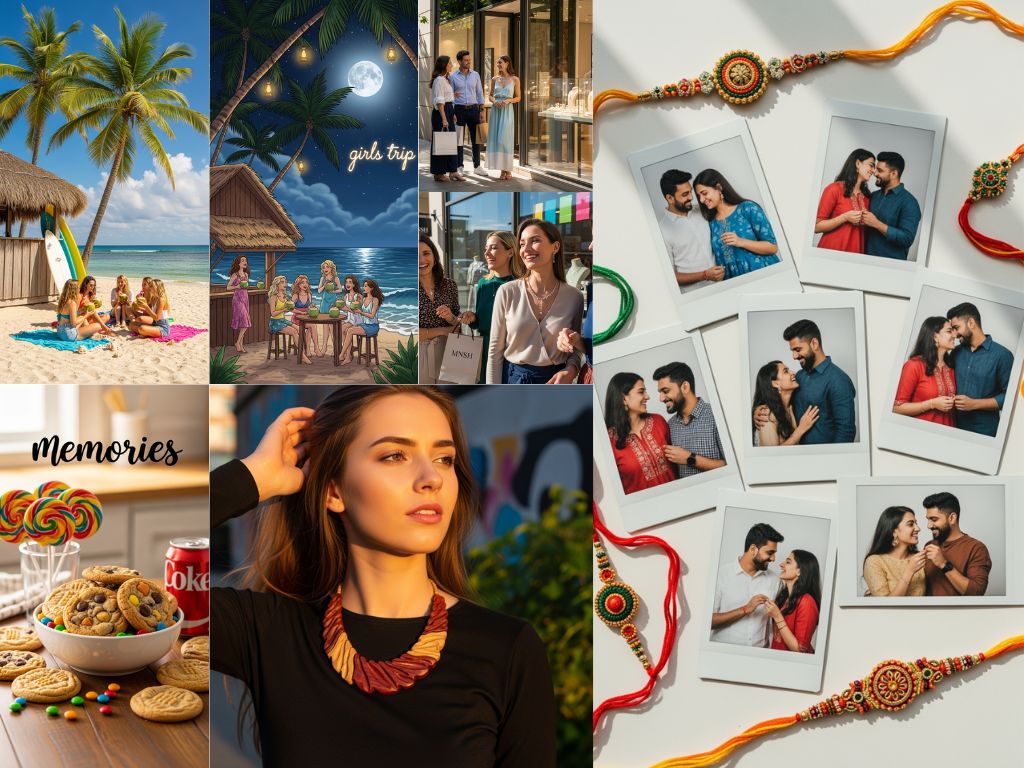
Create stunning stock images through natural conversation with AI.
Key Features:
- Mobile and desktop optimized chat interface
- Advanced instruction following with creative conceptualization
- Multiple aspect ratio outputs with instant previews
- Built-in image editor for precise refinements
How to use:
Simply describe the image you need in chat. Select your preferred aspect ratio, then choose from generated options. Click any image to edit and refine further with granular control.
Great for:
Creating stock photography, print design, marketing materials.
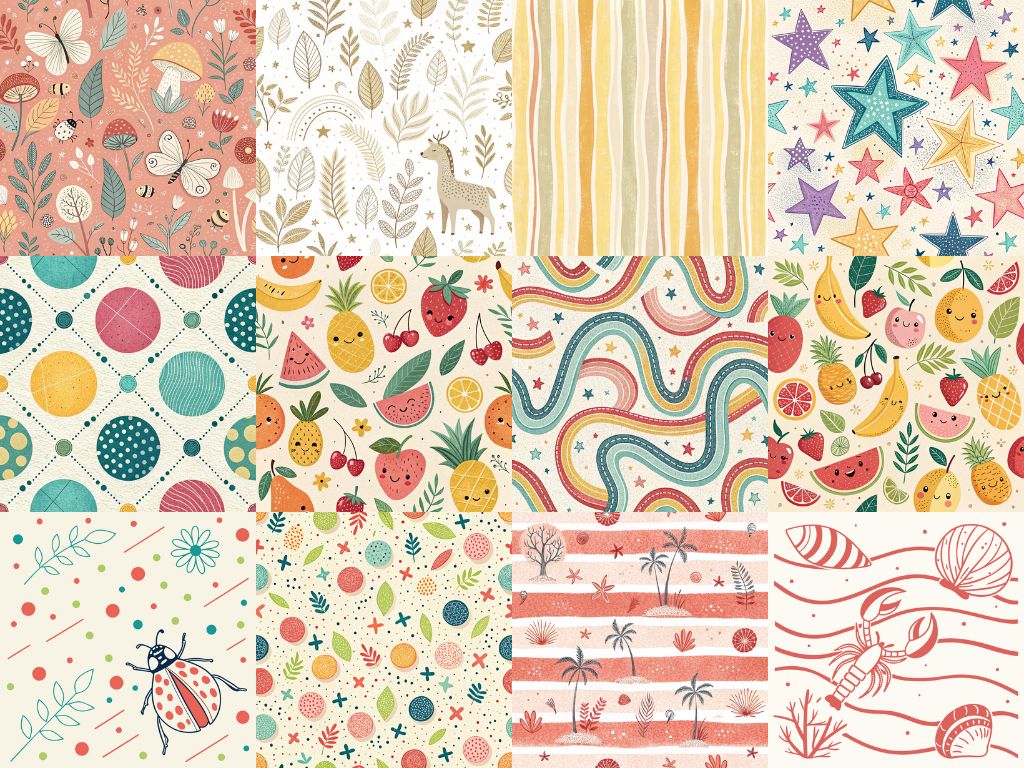
Create infinite-resolution SVG graphics through conversational design.
Key Features:
- True vector output with unlimited scalability
- Specialized for print design, patterns, and logos
- Optimized fabric print and textile design workflows
- Mobile and desktop chat interface
How to use:
Chat with the AI to create vector graphics. Great for fabric prints and pattern design, T-shirt prints and designing artwork for flexible use cases. Optimized for fabric print design with infinite resolution output.
Great for:
Garment print design, graphic art and signage.
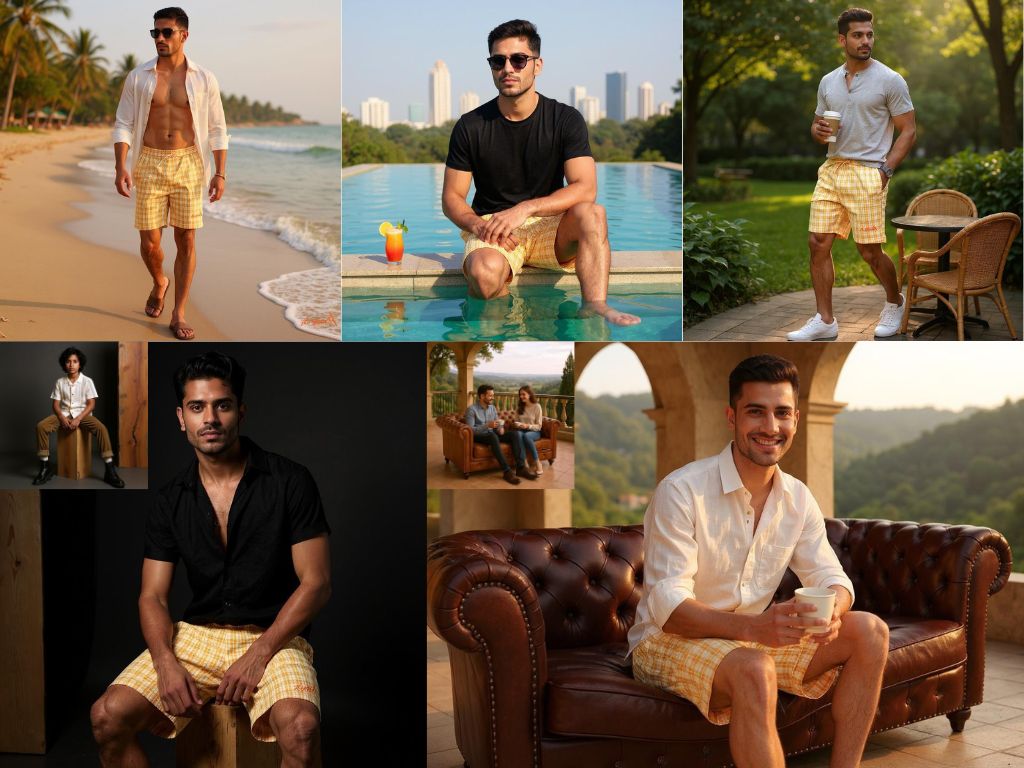
Generate professional product photography through AI conversation, now with multi-image generations and image referencing!
Key Features:
- Make upto 4 images at a time. Explore concepts or options within a concept.
- Ecommerce photography in batches. (front, angle, back).
- Image referencing for style, theme and layout control.
How to use:
Upload between 1-4 images of your product here to analyze and start. For items, 1 image of the product in a hand or body part is a great way to give the AI size reference. For garments, a flat lay works great. If the system misunderstands the product or any elements like a collar or sleeve type, just tell the AI the missing element to fix in image generation. Great also for placing logos and artworks onto products like T-shirts etc. You can request upto 4 images or upload a reference in the chat.
Great for:
Social media and ecommerce photography. Excels at garment photography and model shots from flat lays, table shots of your product, logo placement on products.
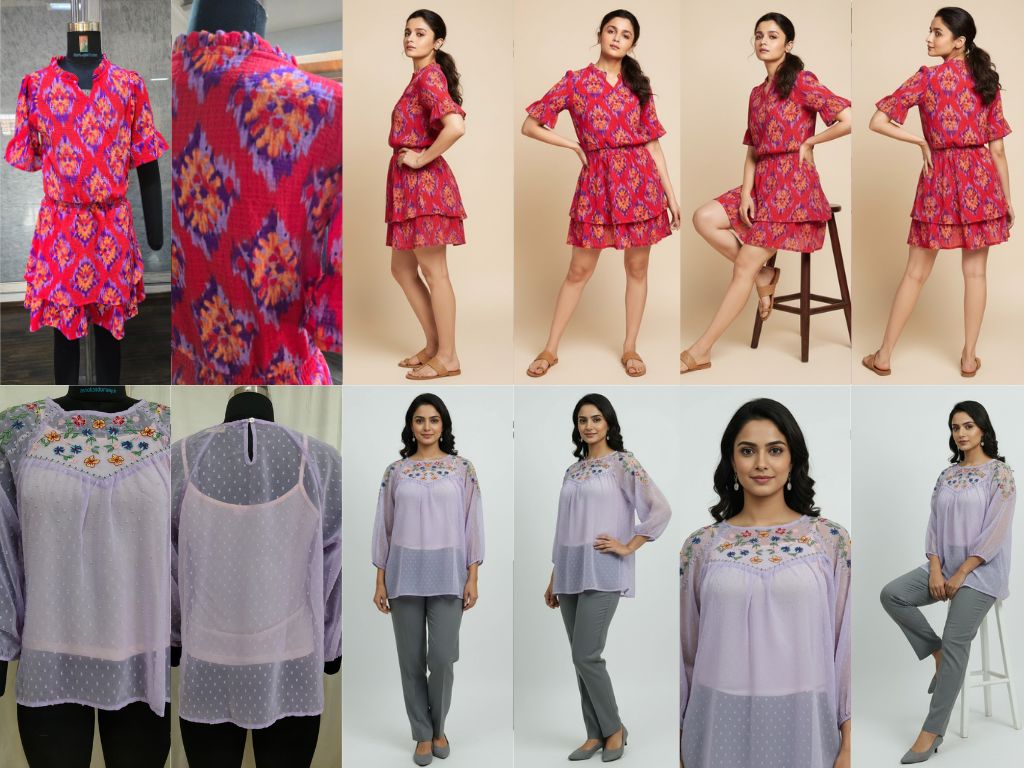
Create complete fashion catalog collections from simple garment photos using AI-powered modeling.
Key Features:
- Multiple professional shots from just 2-3 garment images
- Choose from front-facing, 3/4 angle, back view, close-up, and seated poses
- Customizable model poses: relaxed, fashionable, confident, professional
- Upload face reference for consistent model across all shots
- Real-time processing with live status updates
- Bulk download all generated images as ZIP
How to use:
Start by uploading front and back photos of your garment, plus an optional face reference. Configure your studio setting, accessories, and model description. Select from preset shot types or create custom combinations. The AI generates professional catalog shots showing your garment on models in various poses and angles.
Great for:
Fashion e-commerce, clothing brand catalogs, garment design portfolios, online fashion retailers, fashion marketing campaigns.